Now accepting affiliate partners and Founding Sponsors →
Key insights · Sourced Oct 24, 2026

Two things worth your attention.

Editorial spotlight chosen by Viz2Win. Not paid sponsorship and not a tested verdict. Details come from vendor pages and may change; verify with each provider.

FEATUREDTool release

Arkio 3.0: a web-first AI design agent

Arkio says 3.0 was released Oct 18, 2026. It turns sketches, text, photos, floorplans, programs or existing models into editable, measurable 3D in the browser, with no install on laptop, iPad or phone.

Plans
Starter includes free manual design tools; AI requires purchased credits. Paid plans from $18/mo billed annually ($216/yr), before tax.
Watch
AI usage consumes credits; review the estimated costs before starting.
Read the full Arkio brief

What it does

  • Inputs: sketches, text, photos, floorplans, programs and existing models.
  • Output: editable, measurable 3D built on the FlexCell engine, plus Boolean modeling.
  • Live render, AI stills and video, and first-person walkthroughs.
  • Share by browser link, with comments and chat. Sections, sun studies and maps included.

Interop

  • Pro and Team import Revit, Rhino, SketchUp, Archicad and Navisworks with layers and BIM data. Revit, Rhino, SketchUp and Archicad plugins also support movable objects.
  • Export to Revit, Rhino, SketchUp, OBJ and GLB.
  • Every plan includes import and export of images and 3D files such as GLB and OBJ.

Pricing (annual billing, USD before tax)

  • Plus: $18/mo, billed $216/yr. Includes 1,500 credits and 1:1 sessions.
  • Pro: $35/mo, billed $420/yr. Includes 2,500 credits, up to 6 people.
  • Team: $55/seat/mo, billed $660/seat/yr, minimum 2 seats. Includes 3,500 pooled credits per seat, up to 12 people.
  • Credit packs, expiring after 12 months: 1,000 for $20 ($12 launch price, one per account), 2,500 for $50, 5,000 for $100, 10,000 for $200.
  • Starter has no included AI credits, so a credit pack is needed to use AI.

Provider credit estimates

  • Design: about 1,000 credits. Change: 300. Render: 5–15. 10-second film: 100. Live render: 10/min. Voice: 5/min.
  • These are variable and not guaranteed.

Availability

  • Browser on iPad is available now.
  • Coming soon, not available: VR in 3.0, native iPad, and MCP for your own agents.
  • Legacy 2.3 apps are free during the transition and lack the agent.

Watch-outs

  • Credit spend: one design run can use a large share of a plan's credits.
  • These are vendor claims, not independent tests.
  • Check every output against your design constraints, codes and project data.
Sources

FEATUREDWebinar

How to Take Archviz from Still to Cinematic with AI

Autodesk hosts ArchViz and BIM specialist Didier Raphael Ramírez Darjo on his UMBRAL workflow: AutoCAD to Revit with Dynamo, to 3ds Max and Arnold, then Flow Studio 3D Editor and Canvas. Covers camera moves, perspectives, animated sequences and potential construction phasing.

When
Host
Autodesk
Replay
Autodesk says registrants who can't attend receive the recording.
Cost
Not confirmed here. Check the Autodesk page.
Architectural visualization + AI tools

AI tools for architecture projects — curated for real-world workflows.

Explore the Architecture & 3D-visualization AI landscape: the tools, the products, the skills, the insights — each with a plain-English take on what's actually inside. Find your next workflow here.

Your email and optional role are saved privately on our mailing list for future updates to The Drop. No issues have been sent yet.
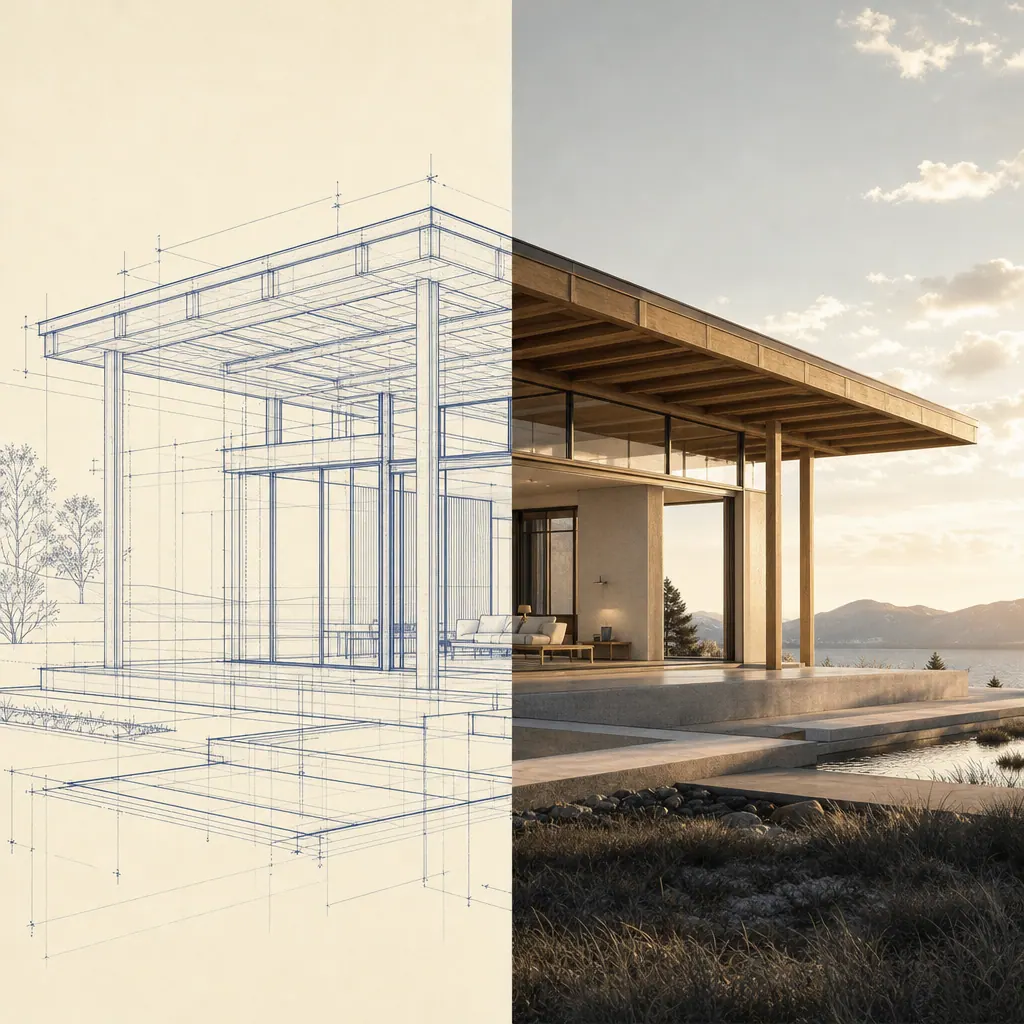
Illustrative architectural pavilion, half as an architect's line drawing and half as a visualization render
Illustrative visualization concept · not a tool test
Field guide · Newcomers to Watch

Newcomers to Watch.

Ten young ArchViz and AI companies, ranked on a funding, traction, press and social rubric. The list is reviewed by hand once a month. Rankings reflect the supplied rubric scores and cited public sources. They are not verified product tests, and nobody pays for placement.

Loading newcomers…

Scores are 0–100 and come from the supplied rubric. Source links open external sites we do not control. Browse the full 75-tool directory below →

The directory

The Tool Shed: ArchViz & 3D AI, curated.

A living shortlist of tools to explore — search it, filter it, and click through. We don't test every tool ourselves; community contributors can add Community Notes about how a tool performs in practice.

Loading the catalog…
How Viz2Win stays honest

Community Notes, not hype.

We can't personally test hundreds of tools — so we don't pretend to. Members can submit real-world observations for moderation. Contributor credentials are reviewed separately; notes are community contributions, not independently verified product tests.

Practitioner notes
Working pros share what actually holds up — gotchas, workflow fit, and pricing reality.
Clearly labeled
Practitioner is not a verified credential. Verified Pro and From the maker require moderator approval.
Browse freely
Read what contributors have shared before visiting a tool's website.
Add your perspective
Sign in to add a note. Every new note is reviewed before appearing publicly.
From the same studio

Part of the Chambers Creations 3D ecosystem.

Don't miss the next one

The Drop signups are open.

Join the list for The Drop. No send date has been set and no issues have been delivered yet.

We save your email for future updates to The Drop. No issues have been sent yet.